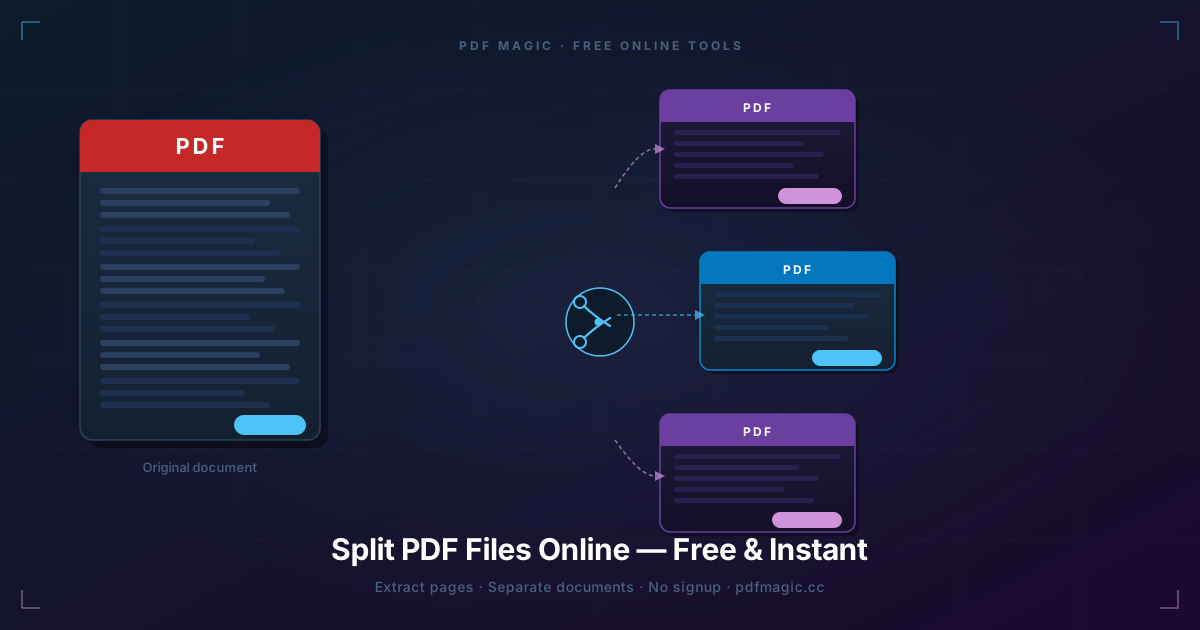
This was not really about splitting pages
I was working with a long PDF manual, but the real problem was not file size. The real problem was that too many people were opening the wrong part of the document.
So I used PDFMagic Split PDF as a coordination tool. The goal was to create smaller, more purposeful files for different people, not just to cut pages apart.
How I broke the file up
- Setup team: pages 1-12
- QA team: pages 13-47
- Reference appendix: pages 48-126
- Single-page exports: for comments and approval loops
Once I thought of it as routing information instead of splitting a file, the process got much cleaner.
Why this worked better than sending one big PDF
People opened the right file faster. Review comments came back on the correct section. Nobody had to scroll through 126 pages just to find the appendix they needed.
That is the real value of splitting: not fewer pages, but less confusion.
The workflow I actually used
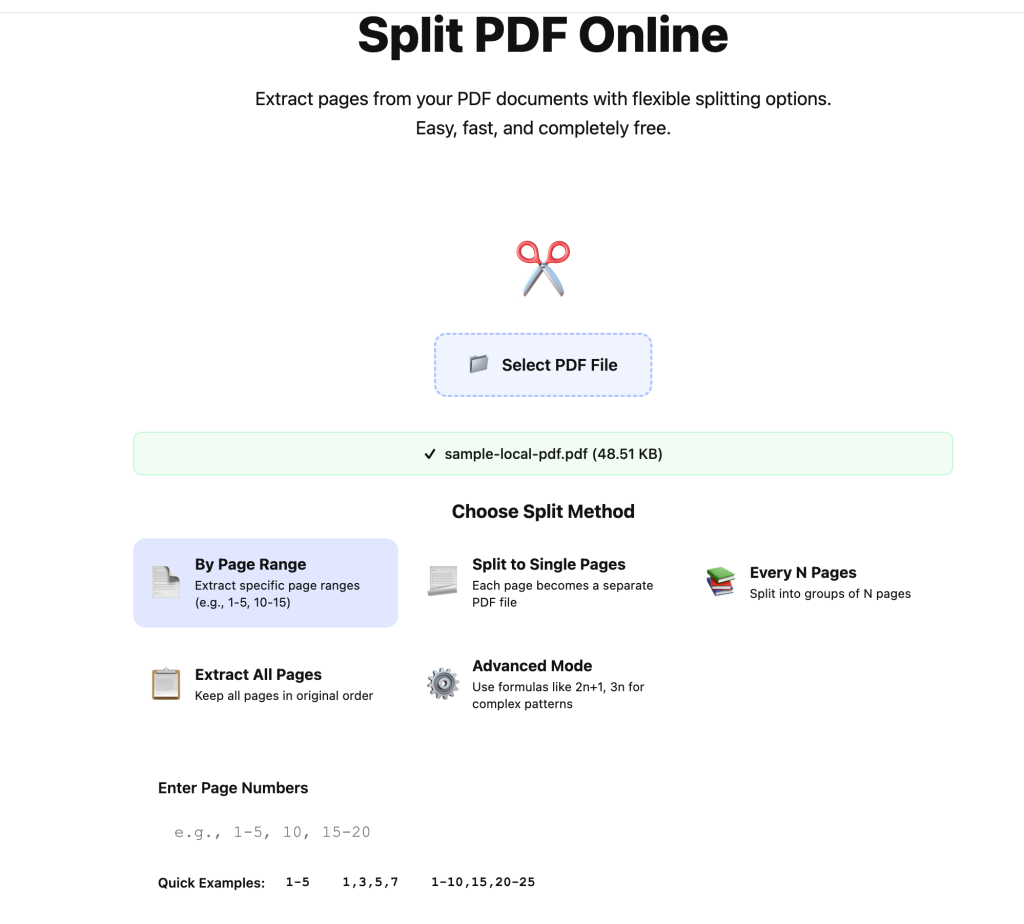
I uploaded the full file and waited for the page preview to settle before picking ranges.
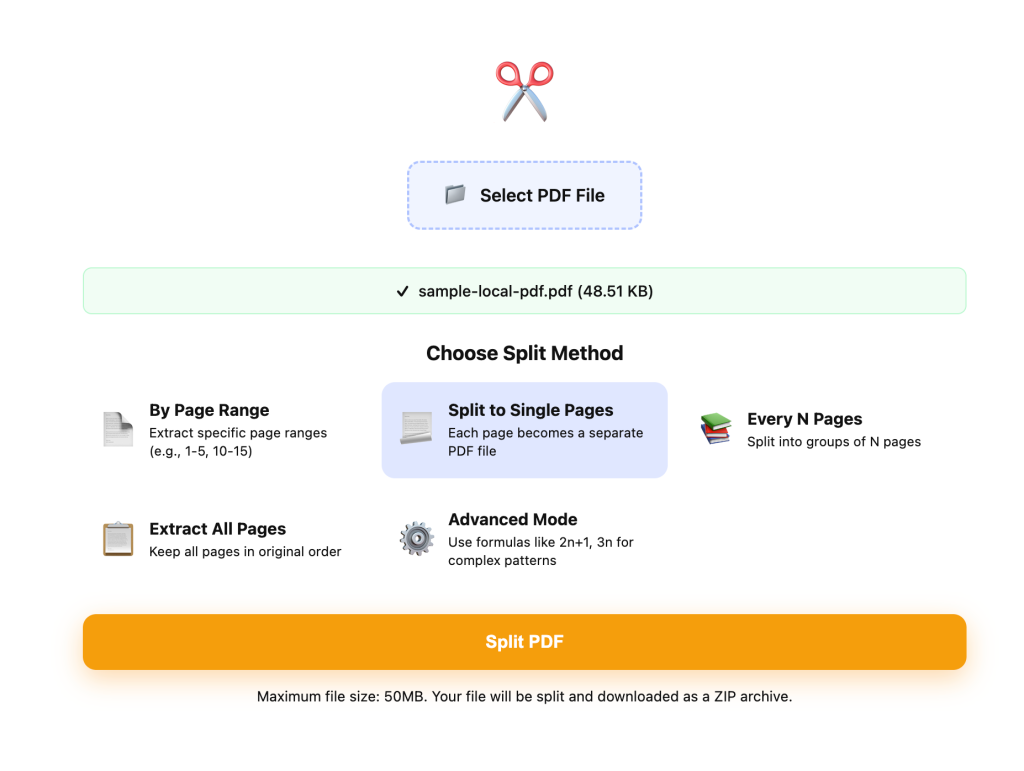
I used range split for team handoff and single-page split for review rounds. Those are two different jobs, and they should stay separate.
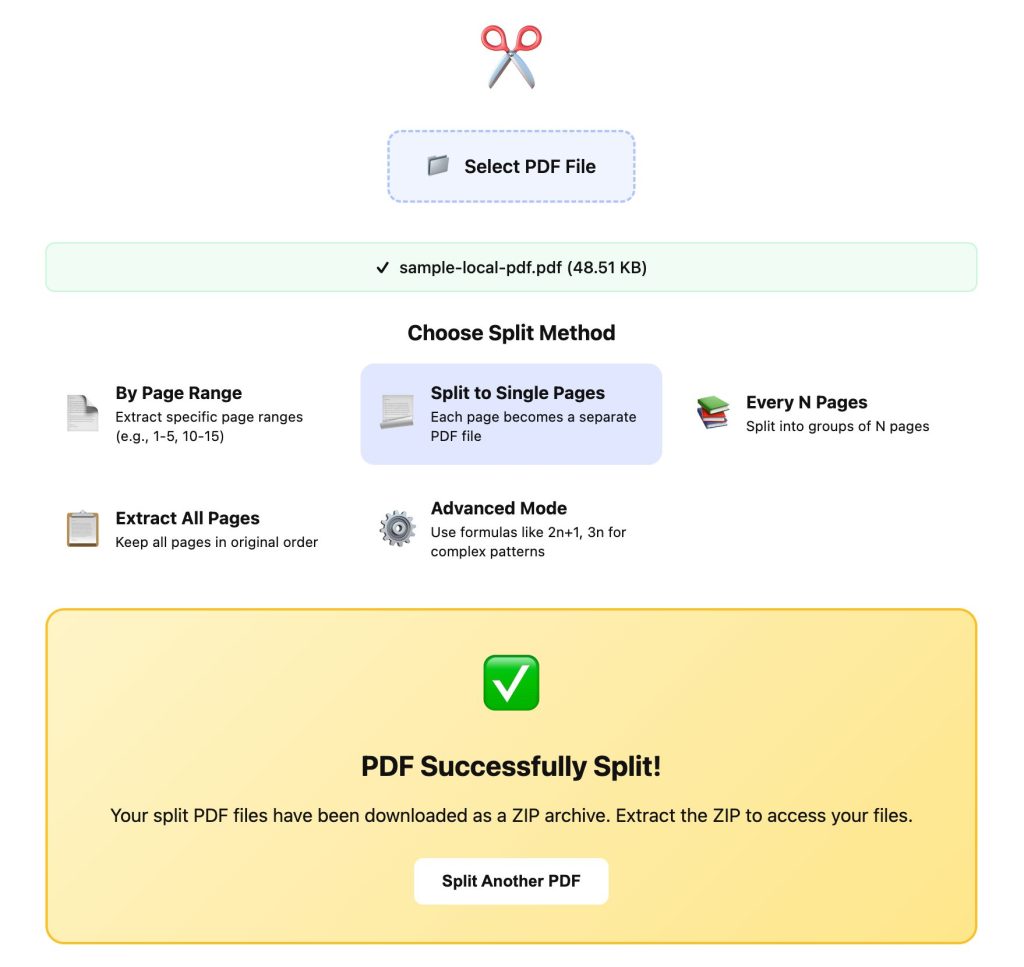
I only trusted the result after checking the first and last page of each output file.
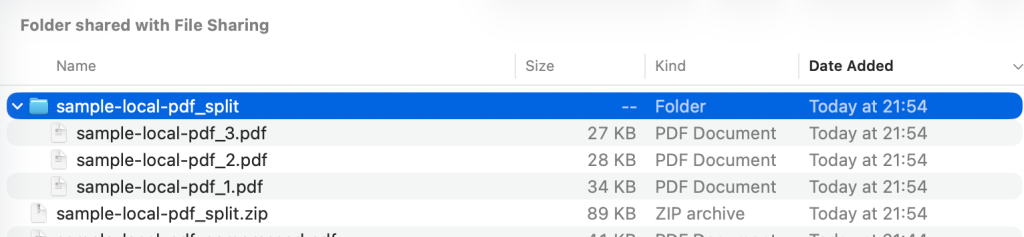
The ZIP mattered less than I expected. The bigger win was renaming files immediately after unzip so nobody had to guess what “part-3.pdf” meant.
The only mistake that almost caused a mess
The printed page numbers inside the document did not fully match the PDF page index. If I had trusted the footer instead of the actual page thumbnails, I would have exported the wrong section once.
So the rule I kept is simple: verify by content, not by page number alone.
When splitting is the right tool
- Use it for: sharing different sections with different people
- Use it for: approval flows where each reviewer only needs one small part
- Do not use it for: making one file smaller when the real problem is upload size
If the issue is strictly file size, I would try Compress PDF first.
Final call
Splitting works best when you think like a project manager, not like a file technician. In this test, the real improvement was not technical at all. It was that each person received a file that matched their job.