What I wanted to know
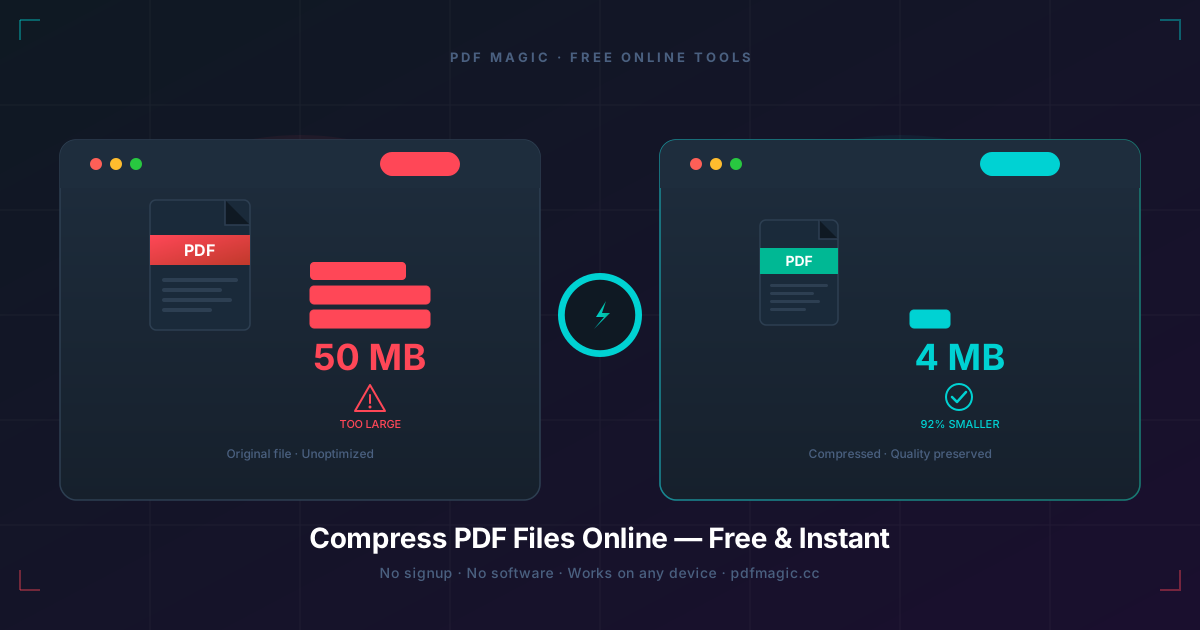
Most PDF compression guides only say “make the file smaller.” That is not the real question. The real question is how much size you gain before the document starts looking cheap.
So I treated this as a trade-off test, not a generic tutorial. I used PDFMagic Compress PDF on three different file types and compared the output against the original at normal view and zoomed view.
Three file types, three very different results
- Scanned contract bundle: biggest win, from 18.4 MB down to 4.9 MB
- Proposal with screenshots and charts: solid reduction, but chart lines softened first
- Text-heavy agreement: barely changed, because it was efficient already
This is why “PDF compression” is not really one topic. Different file types fail in different ways.
The practical threshold I used
I was not chasing the smallest possible number. I stopped when the compressed file still passed three checks:
- small text stayed readable at 200% zoom
- thin lines in tables and charts were still visible
- signature blocks and scanned edges did not look obviously damaged
That threshold matters more than the file size headline.
My actual test workflow
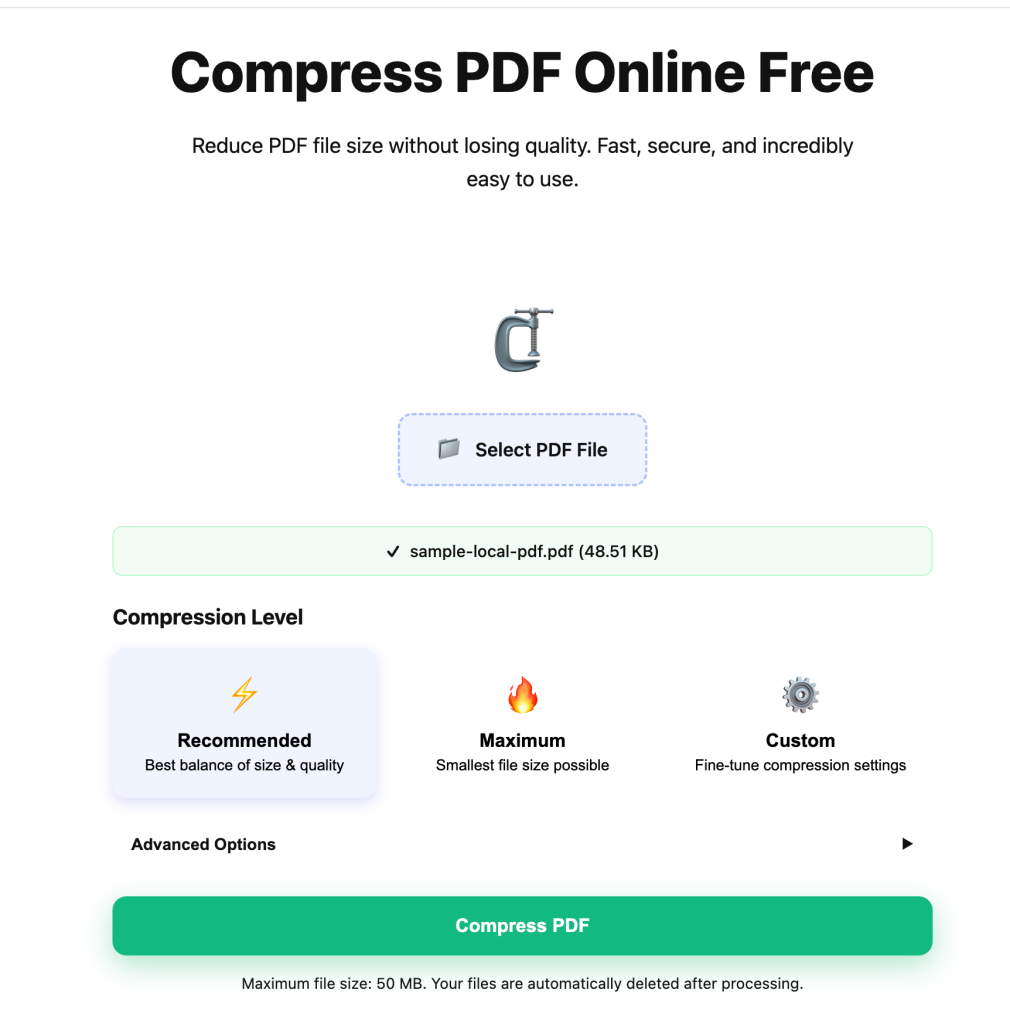
I uploaded the source file and kept the original open separately so I could compare it side by side after download.
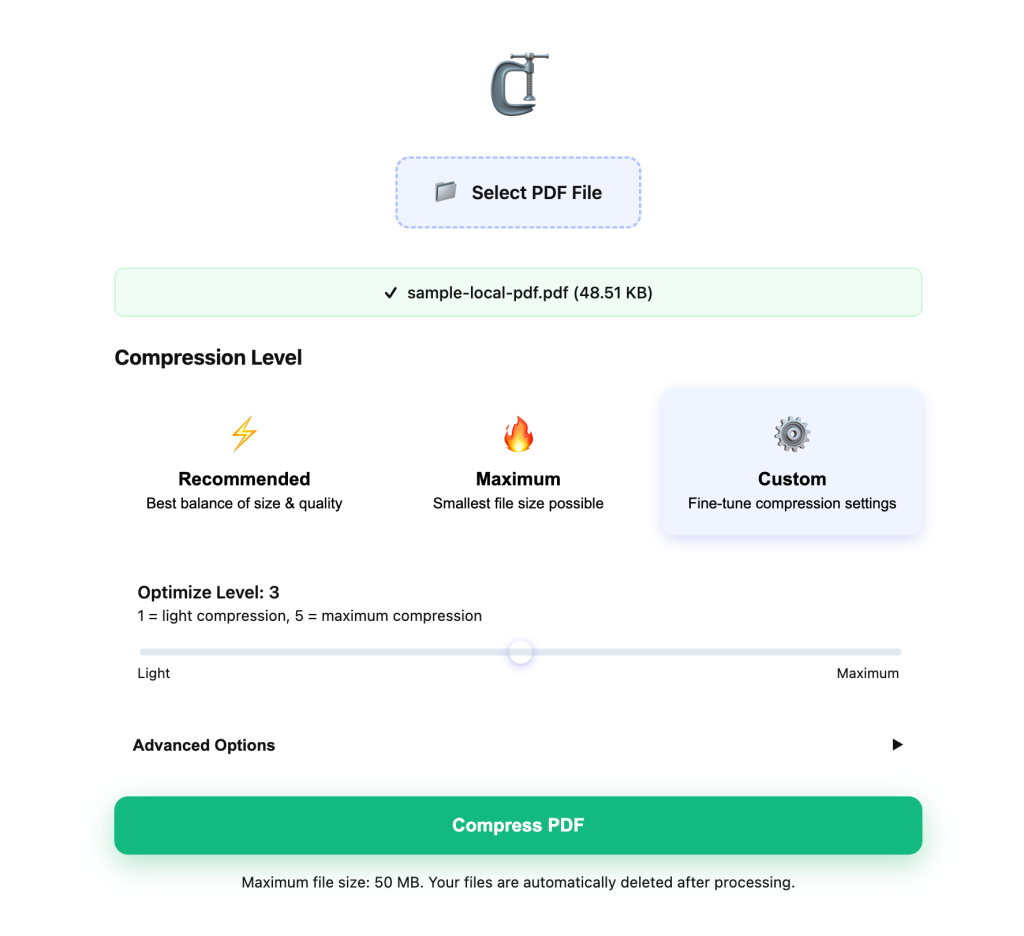
I started with the middle setting first. In practice, that is the fastest way to find out whether the file even needs stronger compression.
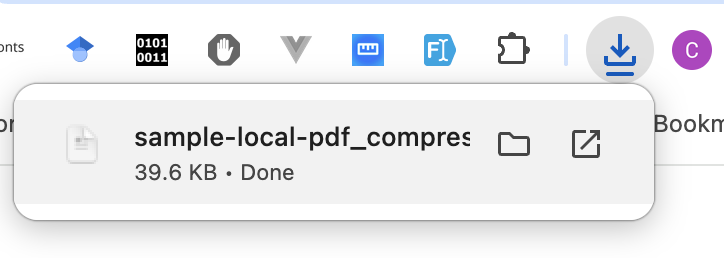
After download, I checked the weak spots first, not the easy pages.
Where compression stops being worth it
- Worth it: when the file has scans or large screenshots and still looks professional after compression
- Borderline: when charts start losing line clarity but the upload limit is strict
- Not worth it: when the original file is already small and you are only saving a few hundred KB
That last case is common, and people still over-compress those files for no real gain.
What I would do in real work
If a file is still too large after one reasonable pass, I would rather split the PDF than keep degrading it. If I need to rewrite content after compression, I switch to PDF to Word.
Compression is for delivery problems, not for every problem.
Final call
Compression works best when you treat it as a quality budget, not as a race to the smallest file. In this test, scans gave the best payoff, charts needed the most caution, and text-heavy PDFs often did not justify much compression at all.